KPH to WPM Calculator
Instantly convert Keystrokes Per Hour (KPH) to Words Per Minute (WPM). Accurately test and benchmark your 10-key numeric typing speed.
How the math works: We divide KPH by 60 to get Keystrokes Per Minute (KPM). Then we divide that result by 5 (the standard accepted length of a word) to get WPM.
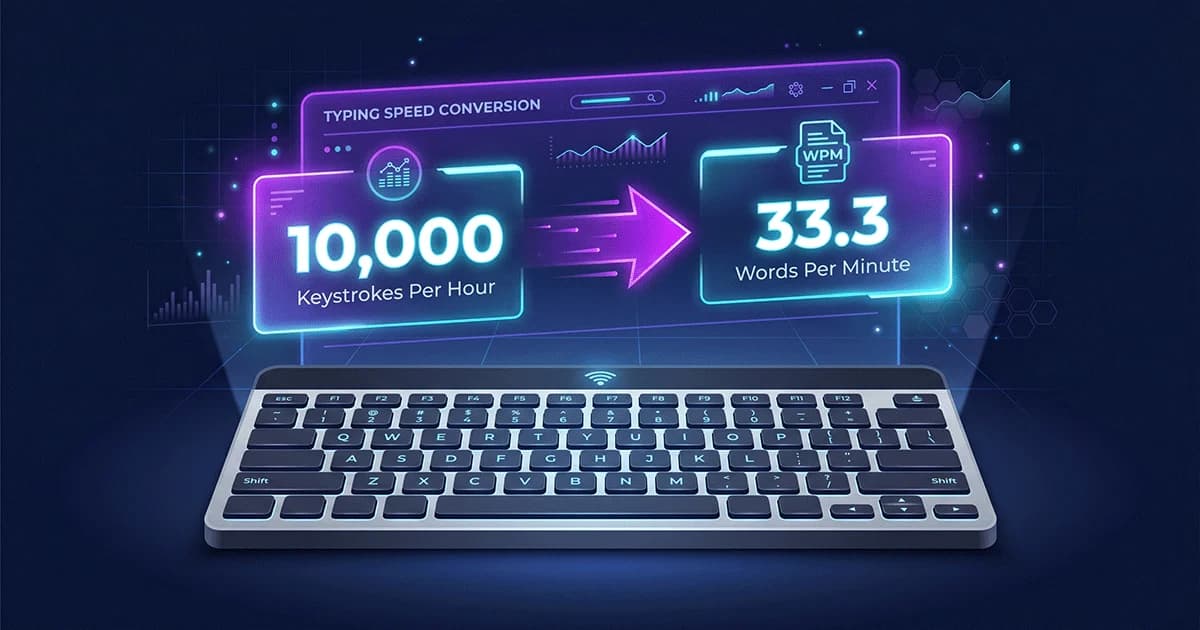
If you're applying for a data entry, banking, or administrative job, you've probably hit a wall: the job description demands a specific Keystrokes Per Hour (KPH) speed, but you only know your Words Per Minute (WPM).
It's a frustrating metric if you aren't used to it. What does 10,000 KPH actually look like? Is it fast? Most importantly, how do you figure out your KPH without sitting through a completely new typing test?
That's why I built this KPH to WPM Calculator. You can use the tool above to instantly flip your scores between the two metrics. Below, I'll show you exactly how the math works, why employers insist on KPH, and what speeds actually get you hired.
How to Convert KPH to WPM (The Formula)
Our calculator does the math instantly, but knowing the formula behind it is helpful. The conversion relies on one strict rule across the entire testing industry: a "word" is exactly five keystrokes.
It doesn't matter if you type five short words or one massive word. Every five taps is counted as a single standardized word.
The KPH to WPM Formula
- Step 1: Divide your KPH by 60 to get Keystrokes Per Minute (KPM).
- Step 2: Divide that KPM by 5 (the standard word length).
- Result: You have your Words Per Minute (WPM).
Here's a real-world example. Say a job posting asks for 12,000 KPH.
- Divide 12,000 by 60 = 200 Keystrokes Per Minute.
- Divide 200 by 5 = 40 Words Per Minute.
WPM vs. KPH: What is the Difference?
Both metrics measure finger speed, but they test entirely different skills.
Words Per Minute (WPM) measures alphanumeric typing across the whole keyboard. It tests your flow with letters, punctuation, and sentences.
Keystrokes Per Hour (KPH) strictly measures numeric data entry on the 10-key number pad. It doesn't care about grammar; it cares about raw, repetitive muscle memory.
Why Do Employers Use KPH Testing?
When hiring for data entry, managers don't care if you write beautiful emails. They want to know you can stare at a stack of tax forms and blast through hundreds of zip codes and dollar amounts without making a single error.
Standard typing (WPM) has a natural rhythm. Numeric data entry (KPH) is completely repetitive. Testing KPH over a simulated hour proves you have the specific 10-key stamina required for the job.
Kenexa Prove It! and CritiCall: The "Net KPH" Standard
If you're taking a pre-employment test on platforms like Kenexa or CritiCall, pay attention to Net KPH.
In data entry, accuracy beats raw speed every time. Entering a $10,000 invoice as $100,000 is a disaster. Because of this, your Net KPH subtracts all your errors from your Gross speed. Many modern tests go a step further and disable the backspace key entirely. If you mess up, you can't fix it.
Average and Professional KPH Benchmarks
What number should you aim for? Here is a quick breakdown (or you can read our full Data Entry Requirements Guide):
| Skill Level | KPH Speed | WPM Equivalent |
|---|---|---|
| Beginner / No Experience | 5,000 – 7,000 KPH | 16 – 23 WPM |
| Standard / Entry-Level | 8,000 – 10,000 KPH | 26 – 33 WPM |
| Professional Data Entry | 10,000 – 12,000 KPH | 33 – 40 WPM |
| Elite / Specialized (Medical/Banking) | 12,000 – 15,000+ KPH | 40 – 50+ WPM |
How to Improve Your 10-Key KPH Speed
If you used the calculator and realized your current speed falls short of your target job requirements, do not panic. Boosting your numeric typing speed is often easier than improving your alphanumeric WPM because there are significantly fewer keys to master.
The absolute best way to improve is to memorize the 10-key home row. Unlike the standard QWERTY home row (ASDF JKL;), the numeric home row is vertically stacked on the right side of the board.
- Rest your Index Finger on the number 4.
- Rest your Middle Finger on the number 5. (This key usually has a small physical bump on it so you can find it without looking).
- Rest your Ring Finger on the number 6.
From this anchored position, your index finger is responsible for reaching up to 7 and down to 1. Your middle finger reaches up to 8 and down to 2. Your ring finger handles 9 and 3. Finally, your thumb operates the large 0 key at the bottom, while your pinky manages the Enter key and mathematical operators (+, -).
By rigidly sticking to these finger assignments and practicing for just 15 minutes a day, you will build the muscle memory required to hit 10,000 KPH within a few short weeks. Remember, typing accuracy is paramount. Focus on hitting the correct keys slowly at first. Speed is simply a byproduct of accuracy and repetition.