
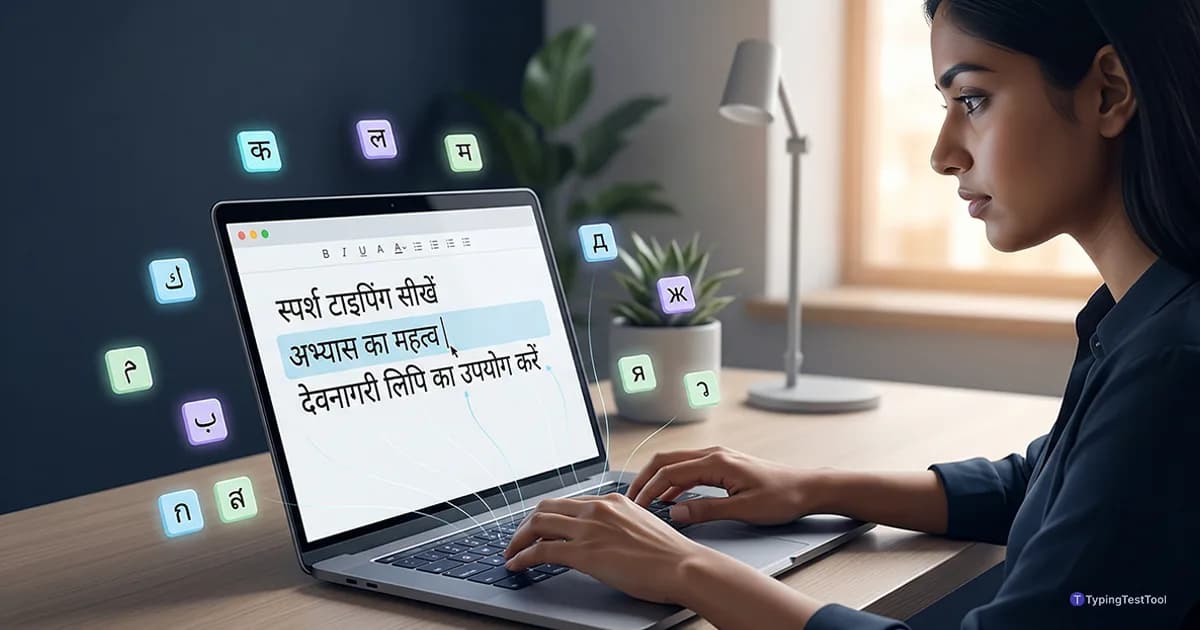
Most typing advice assumes you use a standard Latin alphabet. However, typing in languages like Hindi, Arabic, or Khmer requires a different approach. These scripts often have more characters than the keyboard has keys. Mastering the 10-finger technique for these languages takes patience. This guide explains how to anchor your fingers correctly. You will learn to build speed in non-Latin layouts today.
Why Non-Latin Scripts Present a Unique Challenge
Latin scripts like English are simple for beginners. One key usually represents one letter on the screen. Most non-Latin scripts use complex character combinations instead.
Languages like Hindi or Khmer have many more characters than a standard keyboard. This requires multiple levels of character mapping. You must master the Shift and AltGr keys to reach every symbol.
Some scripts also change shape based on nearby letters. This is called contextual shaping. It forces your brain to process words differently than in English. Understanding how WPM is calculated helps you track this complex progress.
The Character Density Problem
A standard keyboard has around 47 character keys. Hindi and Khmer have character sets that far exceed this number. This means many keys must serve dual or triple purposes.
You cannot simply hunt and peck for these symbols. The mental load of searching for characters is too high. 10-finger touch typing is the only way to reach professional speeds.
Hindi Typing: The Struggle Between Remington and InScript
India has a long history of professional typing. This history began with mechanical typewriters. These machines used the Remington layout for Hindi.
Many government departments still use Remington today. It relies on legacy fonts like Kruti Dev. Typists who learned decades ago often prefer this system.
Modern digital work uses the Unicode standard instead. The official layout for Unicode Hindi is InScript. It is the best choice for anyone starting today.
Why InScript is Superior for Speed
InScript was designed by linguists and engineers. It groups sister sounds together on the keyboard. This reduces the distance your fingers must travel.
The left hand handles all the vowels and matras. The right hand manages the consonants. This balance allows for a very rhythmic typing experience.
You can type much faster on InScript than Remington. It requires fewer keystrokes for complex conjuncts. Most modern apps and websites support InScript perfectly.
Hindi Home Row (InScript)
- Left HandRest on S, D, F, G keys. These map to the vowels े, ्, ि, ा.
- Right HandRest on J, K, L, ; keys. These map to the consonants र, क, त, च.
Mastering the Arabic Home Row and Flow
Arabic is written from right to left. This can feel confusing for those used to Western layouts. The physical keyboard still follows standard ergonomic rules.
The 101-key Arabic layout is the most common standard. It places the most used letters in the center. Your index fingers are your primary anchors.
Keep your fingers curved and light on the keys. Arabic script uses many dots and diacritics. These are often mapped to the top row or Shift combinations.
The Importance of the Ligatures
Arabic typists must handle ligatures carefully. The most common is the combination of Lam and Alef. On many layouts, this has its own dedicated key.
You will find many vowels on the Shift layer. These are called Harakat in Arabic. Professional typists learn these by feel rather than by sight.
Arabic typing requires a smooth, continuous flow. Do not pause between letters in a single word. This helps the operating system render the cursive connections correctly.
Efficiency and Speed in Russian ЙЦУКЕН
The Russian standard layout is known as ЙЦУКЕН. It is one of the most efficient layouts in the world. It is based on letter frequency in the Russian language.
The most common Russian vowels and consonants are under your home row. This minimizes finger fatigue during long typing sessions. It is much better than Russian phonetic layouts.
Phonetic layouts try to match Russian sounds to English letters. This often creates awkward finger stretches. Professional Russian typists never use phonetic systems.
Managing the Hard and Soft Signs
Russian uses specific signs to change the sound of a letter. The hard sign (Ъ) and soft sign (Ь) are vital. These are located on the right side of the keyboard.
Your right pinky must be very active in Russian typing. It handles these signs and the letters Э and Х. Keep your hand position stable while reaching for these.
Practice clusters like -ться and -тся. These are very common in Russian verbs. Mastering these patterns will boost your speed significantly.
Khmer NiDA: The 71 Character Challenge
Khmer has over 70 distinct characters and symbols. This makes it the most complex script for touch typing. The NiDA layout is the solution for this complexity.
It uses a standard QWERTY physical keyboard. Every key has a normal character and a Shift character. Some keys even have a third character via the AltGr key.
You must learn the locations of the "Coeng" modified characters. These are the small subscript versions of consonants. They are essential for writing Khmer correctly.
The Role of the J Key as a Modifier
In the NiDA layout, the J key is not just for a character. It often acts as a bridge for subscript combinations. You press J followed by a consonant to create its stack.
This requires your right index finger to be very precise. Khmer speed is measured differently than English. Because of the complexity, 30 WPM is considered very fast.
Knowing what is a good typing speed for Khmer helps set realistic goals. Professional Cambodian data entry clerks aim for accuracy over raw speed.
Bangla Typing: Between Avro and Bijoy
Bangla is the second most spoken language in India and Bangladesh. Most casual users prefer the Avro Phonetic system. It allows you to use your English typing skills.
Avro is great for social media and emails. It translates English phonetics into Bangla script instantly. You do not need to learn a new home row layout.
Professional typists in Bangladesh still rely on the Bijoy layout. This is a fixed layout designed for high-speed publishing. It is the industry standard for newspapers.
Handling Conjuncts in Bangla
Bangla uses many conjunct characters called Juktaborno. These are combinations of two or more letters. In Bijoy, you type these by using a link key.
The G key often serves as the link in Bijoy. In Avro, the system handles this automatically as you type. Choose the system that fits your specific needs.
If you plan to work in a printing house, learn Bijoy. For everyone else, Avro Phonetic is more than enough. It saves you weeks of learning time.
Language Nuances: Indonesian, Norwegian, and Danish
Indonesian is unique among large Asian languages. It uses the standard Latin script. The challenge comes from the length of Indonesian words.
Indonesian words often exceed twelve letters. You must maintain a high rhythm without pausing. The "10 fast finger indonesia" search query is very popular for a reason.
Users in Indonesia want to test their stamina on long words. Our tool provides specific Indonesian word banks for this purpose.
The Extra Keys in Nordic Layouts
Norwegian and Danish layouts are almost exactly like QWERTY. They only add the keys Æ, Ø, and Å. These are vital for all Nordic communication.
These keys sit where punctuation marks are in English. This means your right pinky does a lot of heavy lifting. Keep this finger strong but relaxed.
Do not move your whole hand to reach the Å key on the top row. Only stretch the finger while keeping your index on the home row. This maintains your anchor and accuracy.
A Science-Based Practice Strategy for New Layouts
Do not start by typing whole sentences. Spend your first three days only on the home row. Type combinations like "asdf" or "jkl;" in your target script.
This builds the fundamental muscle memory. Once the home row feels natural, add the top row. Never look down at the keyboard during this process.
If you cannot find a key, use an on-screen map. Do not check your physical fingers. This forces your brain to connect the visual map to the physical feel.
The Power of Common Word Drills
Every language has a set of ten words used most often. In Hindi, these include words like "hai" or "mein". Find these words for your target language.
Type each common word fifty times. Do this at a very slow pace. Accuracy at 10 WPM builds better habits than mistakes at 30 WPM.
Slow practice is actually the fastest way to learn. It allows your nervous system to lock in the correct movements. Speed will follow naturally after two weeks.
Key Takeaways for Script Learners
- Rest your index fingers on the anchor keys.
- Spend 15 minutes daily on home row drills.
- Use the on-screen keyboard for help.
- Prioritize accuracy above all other stats.
- Master the Shift key timing for vowels.
- Avoid looking at your physical keyboard.
Frequently Asked Questions
Is 10-finger typing possible for complex scripts like Khmer?
Yes. While scripts like Khmer have many characters, the NiDA layout uses Shift and AltGr keys to maintain a 10-finger home row system. Accuracy is more important than speed when starting with these layouts.
What is the difference between Remington and InScript for Hindi?
Remington is based on old mechanical typewriter layouts. InScript is the modern standard for Unicode typing. Most government exams in India still use Remington, while modern apps favor InScript.
Do I need a special keyboard for Russian or Arabic typing?
No. You can use any standard QWERTY keyboard. You just need to enable the language in your operating system settings. Many people use keyboard stickers to help learn the new layout.
"Meet Vijay Chauhan, the founder of TypingTestTool with over 10+ years of web development experience. Discover how he engineered this platform to help millions master touch typing globally."