
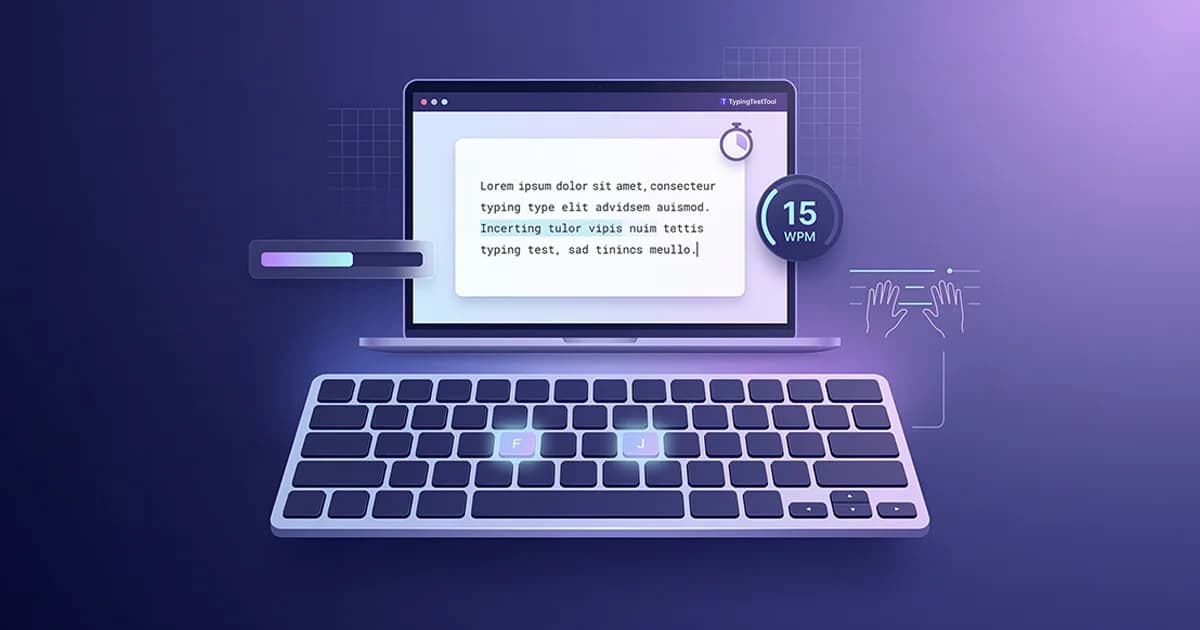
Your first typing test score does not define your ceiling. It only shows where your habits are right now. Most people who take a typing test for the first time score between 8 and 20 WPM, feel embarrassed, and either give up or start bashing keys faster. Both responses make things worse. This guide shows you what a beginner score actually means, what to do next, and the exact steps that turn a first-timer into a confident, consistent typist.
What Your First Typing Test Score Actually Means
A score between 8 and 20 WPM is the normal range for someone taking their first timed typing test. Adults who have used computers casually for years often land between 25 and 35 WPM. If you have mostly typed on a smartphone keyboard rather than a physical one, expect the lower end of that range on your first attempt.
The number is not a measure of intelligence, natural ability, or future potential. It measures one thing: how far your current muscle habits have progressed. Two people with the same first score can reach completely different levels after 8 weeks based entirely on how they practice.
| First Test Score | What It Usually Means | Your Next Step |
|---|---|---|
| Under 15 WPM | Very little keyboard experience or primarily a phone typist | Home row key drills only. No speed tests for at least one week. |
| 15 to 30 WPM | Casual computer user with no formal technique | Learn correct finger placement. Prioritize accuracy above 95%. |
| 30 to 45 WPM | Experienced but self-taught with mixed finger habits | Audit your finger placement. Fix incorrectly assigned keys before drilling speed. |
| Above 45 WPM | Already have usable skills but likely with some bad habits | Focus on accuracy and consistent technique rather than raw speed increase. |
How to Set Up Before You Start Practicing
Most beginner guides skip this entirely. Competitors like Typing.com and TypingClub go straight into lessons without addressing the physical setup that determines whether your practice will stick. Getting the basics right before your first session prevents wrist pain, reduces errors, and speeds up your learning curve.
Chair and desk height
Your elbows should sit at roughly 90 degrees when your hands rest on the keyboard. If you are reaching up to the keys, you will fatigue faster and your hands will drift off the home row.
Screen distance
Position your screen 18 to 24 inches from your face. Looking down at a laptop flat on a desk forces your neck into a position that tires you within 20 minutes, which truncates your practice session.
Hand position
Left hand rests on A, S, D, F. Right hand rests on J, K, L, ;. Both thumbs hover over the spacebar. The raised bumps on F and J are your physical anchors. Find them without looking.
Wrists
Keep wrists slightly raised and off the desk while typing. Resting your wrists while typing (not while pausing) compresses tendons and leads to RSI over time. Wrist rests are for breaks, not active typing.
The Correct Order to Build Typing Skill as a Beginner
Beginners who skip steps plateau early and stay stuck. The five steps below are ordered by dependency. Each step unlocks the next. Do not skip ahead because the next step feels more interesting.
Take a baseline test first
One 1-minute test before any practice, with no preparation. Record your WPM and accuracy. This number is your starting point for measuring real progress.
Master the home row
A, S, D, F for the left hand. J, K, L, ; for the right. These 8 keys are the foundation of every other key on the board. Do not move on until your fingers return to these positions automatically after each keystroke.
Add the top row, then the bottom row
Introduce Q, W, E, R, T, Y, U, I, O, P first. Then Z, X, C, V, B, N, M. Add one row at a time and drill each before adding sentences.
Practice full sentences with accuracy above 95%
Only use full-sentence practice once every key has a correct assigned finger. If your accuracy drops below 95%, slow down. Speed before accuracy is the most common reason beginners plateau.
Test weekly, not daily
One 1-minute test at the end of each week. Daily tests fluctuate too much to show real trends. A consistent gain of 3 to 5 WPM per week confirms your practice is working.
7-Day Beginner Typing Routine
Keep each session to 10 minutes. Stop immediately if your accuracy drops below 90%. That signals fatigue, and continuing will only practice errors into your memory. Day 7 is your first weekly check-in test.
Take baseline test. Then: home row keys only (A S D F J K L ;), no timing
10 min total
Home row drills. Locate F and J by feel using the tactile bumps without looking down
10 min
Type home row words: fad, had, ask, sad, fall, hall, jab, lad, flask
10 min
Introduce E, R, T from top row left. Practice: red, tell, real, true, trial
10 min
Add Y, U, I from top row right. Full short sentences, no numbers or symbols yet
10 min
Light review only. Repeat Day 3 exercise at a relaxed pace
5 min
Weekly test: 1-minute timed test. Record WPM and accuracy. Compare to Day 1.
Check-in
Which Typing Test Length Should Beginners Use
Test length has a direct effect on your score. A 1-minute test allows you to sprint. A 5-minute test forces sustained pacing. Beginners should start short and build up as their consistency improves.
1 Minute
The right length for beginners. Short enough to stay focused. Long enough for a meaningful WPM reading. Use this for all weekly check-ins until you consistently hit 25 WPM.
3 Minutes
Move here once you are consistently above 25 WPM. A 3-minute test reveals whether your speed holds up or drops mid-session, which is useful information for pacing practice.
5 Minutes
The standard used by employers in the US, UK, Australia, and Canada for office and data entry roles. Attempt this once you are reliably above 40 WPM on a 1-minute test.
How to Know If Your Typing Is Actually Improving
WPM fluctuates day to day based on tiredness, focus, and the specific text passage you receive. A single bad test result after a tiring day does not mean your skill dropped. You need a trend, not a data point.
What Healthy Progress Looks Like
- Week 1 to 2: WPM may drop slightly (normal; you are correcting existing habits)
- Week 3 to 4: WPM returns to your Day 1 score with noticeably better accuracy
- Week 5 to 8: WPM exceeds your original baseline for the first time
- Month 2 to 3: Consistent gains of 3 to 5 WPM per week become the norm
If your score has not moved after three weeks of consistent daily practice, the issue is almost always technique rather than effort. Check whether you are looking at the keyboard during practice. Looking down is the single most common reason beginners stall.
Common Mistakes That Keep Beginners Stuck
- Chasing speed before accuracy. Every extra error you make at high speed gets repeated until it becomes automatic. Slow down until your accuracy is above 95%, then increase speed gradually.
- Looking at the keyboard. Every glance down breaks the automatic motor loop your brain is trying to build. Cover your hands with a cloth if necessary during the first two weeks.
- Testing daily instead of weekly. Daily WPM scores fluctuate by 10 to 20 percent based on how rested and focused you are. Testing every day leads to false conclusions about whether you are improving.
- Skipping the home row phase. It feels slow and pointless in the first three days. It is actually the most important phase. Every finger's key assignment traces back to the home row. Skipping it means you will use whatever finger reaches a key first, which breaks down at higher speeds.
- Comparing yourself to experienced typists. Someone typing at 70 WPM has practiced correctly for months or years. Their score tells you nothing about your own trajectory in week one.
Frequently Asked Questions
What WPM should a beginner expect on their first typing test?
Most beginners score 8 to 20 WPM on their first timed test. Adults who type casually but without formal technique often land between 25 and 35 WPM. Both ranges are completely normal starting points. Your first score only measures where your current habits are, not where you can reach.
Should a beginner focus on speed or accuracy first?
Accuracy first. Typing fast with errors builds those errors into muscle memory and makes them very difficult to remove later. Keep accuracy above 95% before attempting to increase speed. Speed follows naturally once correct movements become automatic.
How long should a beginner practice typing each day?
10 to 15 minutes per day is enough. Longer sessions cause fatigue, and practicing while fatigued reinforces errors. Short focused daily sessions build muscle memory faster than occasional long ones.
What test length should a beginner use?
Start with a 1-minute test. Move to 3 minutes once you consistently score above 25 WPM. The 5-minute test is the hiring standard in the US, UK, Australia, and Canada and is appropriate once you reliably hit 40 WPM or above.
Is touch typing worth learning as a complete beginner?
Yes. Self-taught typists who never learn proper finger placement typically plateau around 35 to 45 WPM regardless of how many years they practice. Touch typists who build correct muscle memory from the start regularly reach 60 to 80 WPM within a few months.
When should I take my first timed typing test?
Before any structured practice. One untimed, unprepared 1-minute test gives you a real baseline. Record that number and do not test again for a full week. Weekly tests reveal real progress trends.
How do I know if my typing is actually improving?
Track your weekly test score, not your daily score. A 3 to 5 WPM gain per week is healthy for a beginner. If three consecutive weekly tests show no improvement despite daily practice, the problem is almost always technique. Specifically, looking at the keyboard or using the wrong fingers for certain keys.

"Meet Vijay Chauhan, the founder of TypingTestTool with over 10+ years of web development experience. Discover how he engineered this platform to help millions master touch typing globally."